Problem
Manufacturers and robotics integrators often struggle to turn AI research into reliable, on‑floor automation. The gap appears between powerful GPU‑based models and the rugged hardware needed for real‑world tasks such as construction, energy management, or material handling. Without a clear roadmap, teams waste time picking incompatible hardware, writing ad‑hoc code, and failing to meet safety standards.
Prerequisites
- Clear use‑case definition: Identify the physical task (e.g., autonomous excavation, warehouse picking, power‑plant monitoring) and the performance metrics you need (speed, precision, uptime).
- Access to NVIDIA’s full‑stack accelerated computing platform: This includes GPUs, software libraries, and development tools that NVIDIA makes available for AI workloads.
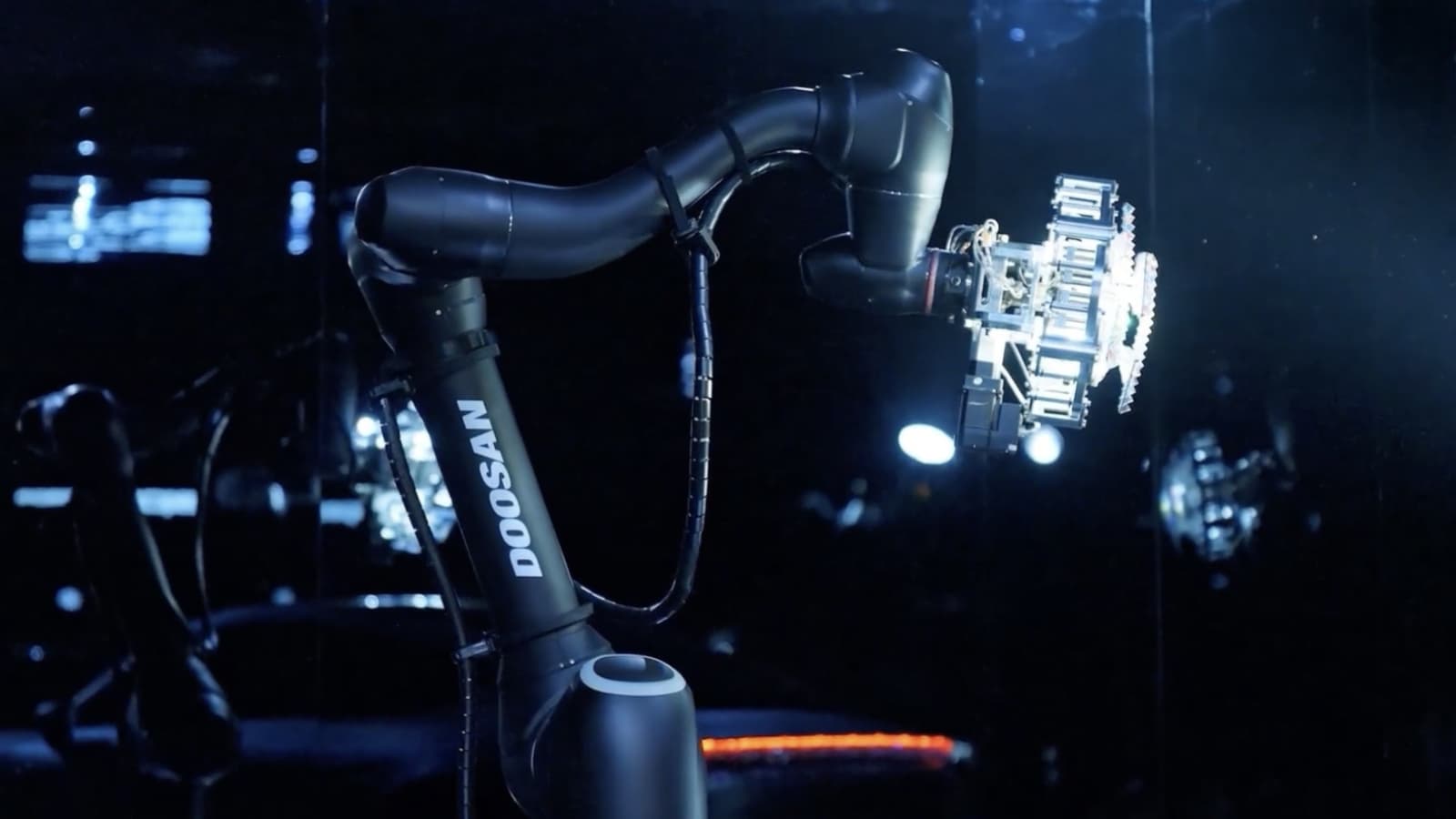
- Doosan automation hardware: Choose from Doosan Robotics arms, Doosan Bobcat equipment, Doosan Enerbility power solutions, or Doosan Electro‑Materials components, depending on the use case.
- Team expertise: Engineers familiar with CUDA‑based development, robotics control loops, and industrial safety standards.
- Network and power infrastructure: Sufficient bandwidth for data transfer and reliable power to run GPU clusters and heavy machinery.
Steps
1. Define the Physical AI Objective
Start by writing a one‑page brief that outlines the task, required throughput, and environmental constraints. For example, a Doosan Bobcat equipped with an AI‑driven perception stack might need to identify rocks and dig sites within a 30‑meter radius while operating on uneven terrain.
Document the success criteria (e.g., 95 % detection accuracy, cycle time under 5 seconds) so you can measure progress later.
2. Select the NVIDIA Computing Stack
According to the NVIDIA Newsroom announcement on June 7, 2026, the collaboration will bring NVIDIA’s full‑stack accelerated computing platforms into Doosan’s ecosystem. Choose a platform that matches your compute demand: a single‑GPU workstation for prototyping, a multi‑GPU server for large‑scale training, or an edge‑optimized board for on‑site inference.
Install the core software stack: the CUDA toolkit, cuDNN, and the NVIDIA AI Enterprise suite. These provide the drivers, libraries, and container images needed to run deep‑learning models efficiently.
3. Prepare the Doosan Hardware
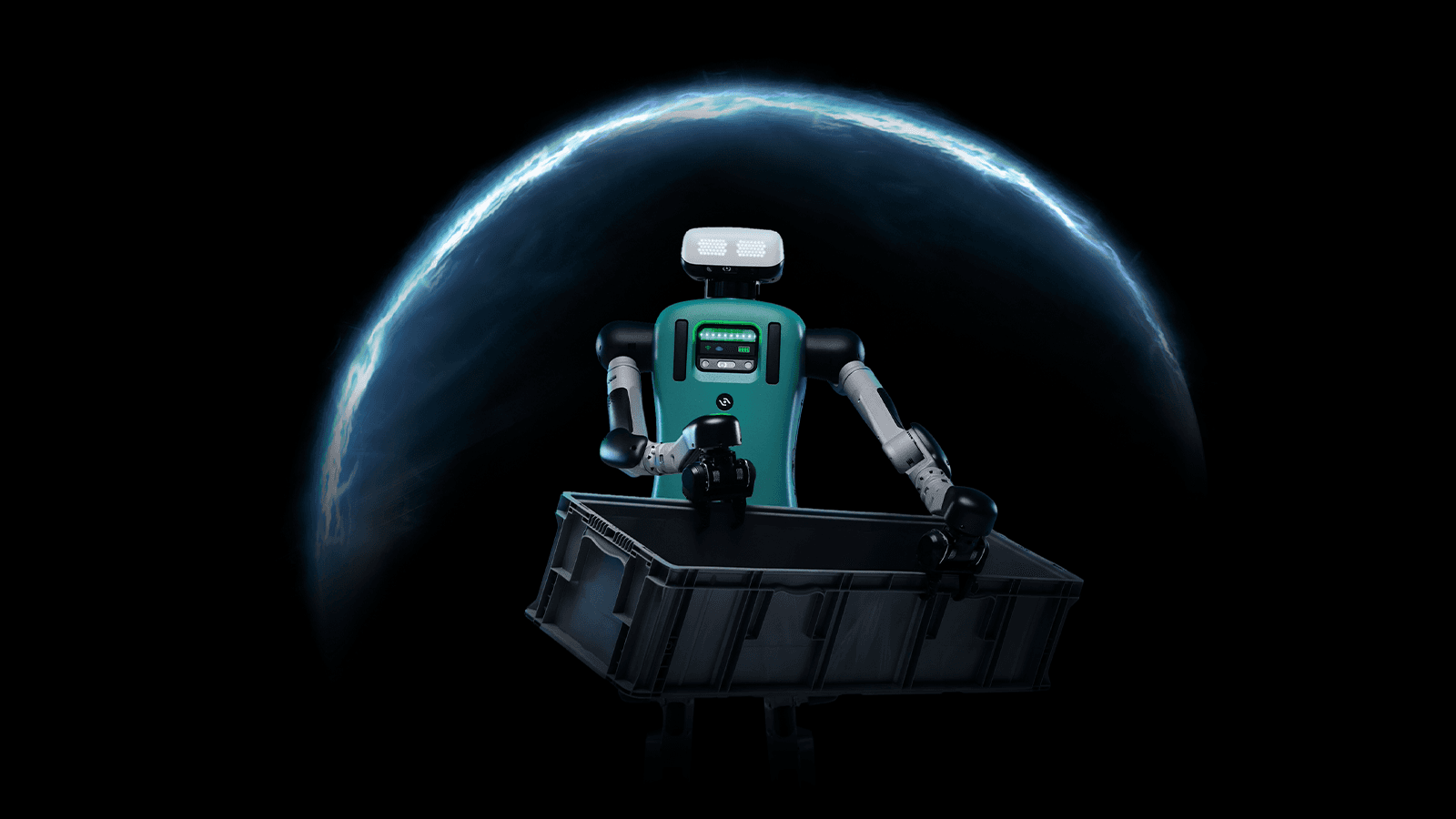
Identify the Doosan product line that aligns with your task. If you need a collaborative robot, select a Doosan Robotics arm; for heavy earth‑moving, pick a Doosan Bobcat model. Ensure the machine’s controller can accept external compute inputs via Ethernet or CAN bus.
Mount the NVIDIA hardware in a rugged enclosure near the robot’s controller. Use vibration‑isolated brackets and industrial‑grade power converters to protect the GPUs from shock and voltage spikes.
4. Build the Data Pipeline
Physical AI relies on high‑quality sensor data. Connect cameras, LiDAR, or force‑torque sensors to the NVIDIA platform using USB‑3, Ethernet, or PCIe links. Stream raw data into a buffer, then apply preprocessing (e.g., image resizing, point‑cloud filtering) with NVIDIA’s TensorRT or DALI libraries.
Store a subset of the data locally for quick debugging, and configure a remote storage bucket for long‑term archiving and batch training.
5. Develop and Train the Model
Use a framework such as PyTorch or TensorFlow that runs on CUDA. Begin with a pretrained model that matches your perception need (e.g., object detection, segmentation) and fine‑tune it on your collected dataset.
Leverage NVIDIA’s mixed‑precision training to reduce GPU memory usage and speed up epochs. Track experiments with a tool like NVIDIA MLflow or Weights & Biases, noting loss curves and validation accuracy.
6. Optimize for Inference
After training, convert the model to an optimized TensorRT engine. This step compresses the network, selects the best kernels, and enables INT8 or FP16 inference, which is critical for real‑time control on a moving machine.
Benchmark latency on the target hardware. Aim for sub‑100 ms end‑to‑end inference to keep the robot responsive.
7. Integrate with Doosan Control Logic
Write a middleware layer that receives inference results and translates them into motion commands. This layer should respect Doosan’s safety protocols, such as emergency stop signals and joint‑limit checks.
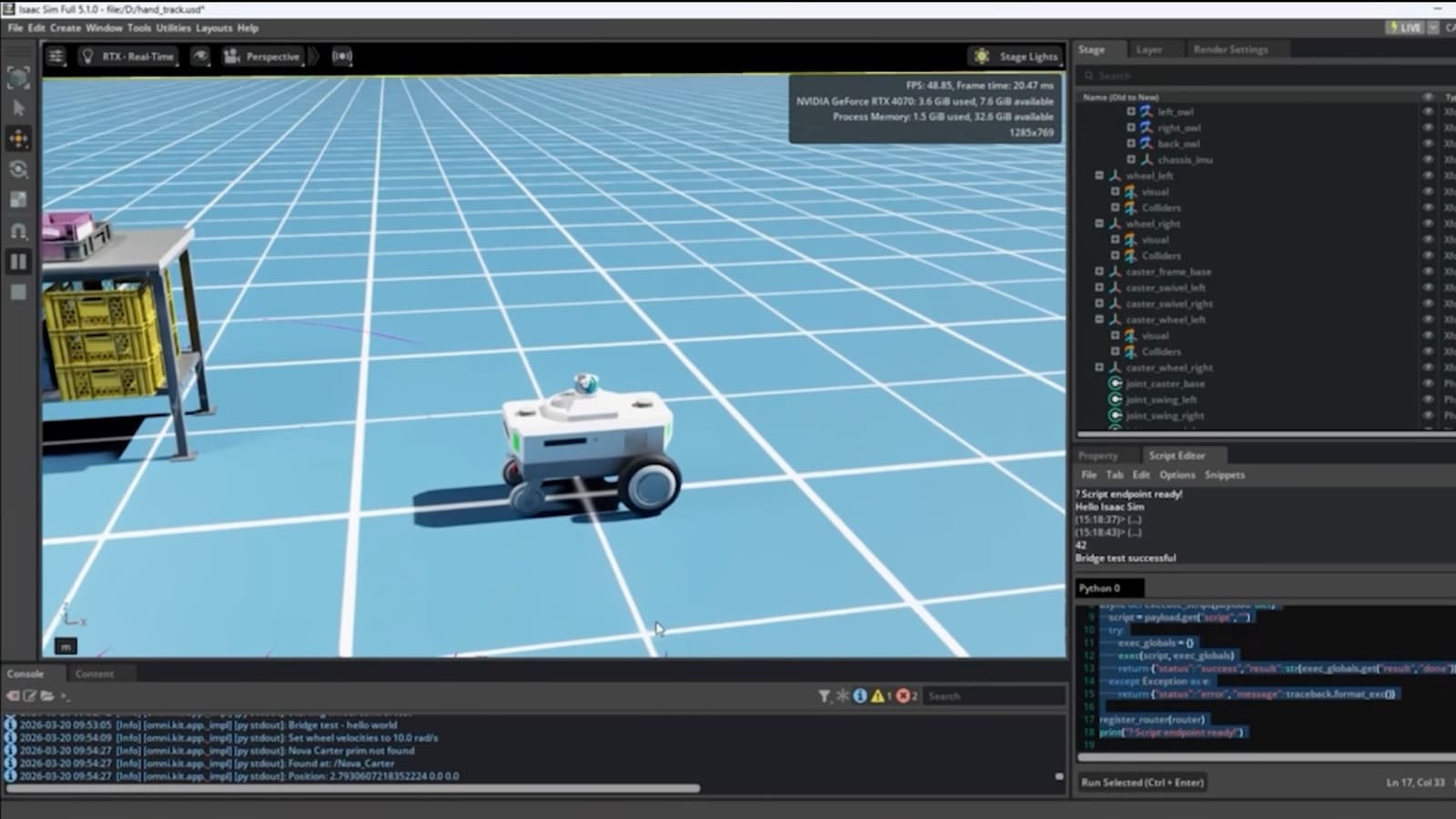
Test the integration in a simulation environment first (e.g., NVIDIA Isaac Sim) to verify that the AI output drives the robot safely.
8. Deploy and Validate On‑Site
Install the complete system on the actual Doosan machine. Run a series of validation scenarios that cover normal operation, edge cases, and failure modes. Record performance metrics and compare them to the success criteria defined in Step 1.
Iterate on the model or control parameters as needed until the system meets the target thresholds.
9. Set Up Monitoring and Maintenance
Deploy monitoring agents that track GPU utilization, temperature, and inference latency. Use NVIDIA’s Cloud Monitor or an open‑source Prometheus stack to alert engineers of anomalies.
Schedule regular model retraining cycles using fresh sensor data to keep accuracy high as the environment changes.
Pro Tips
- Start small: Prototype with a single GPU and a low‑cost Doosan arm before scaling to a full‑size Bobcat or Enerbility platform.
- Leverage containers: NVIDIA’s pre‑built Docker images simplify dependency management and allow you to move workloads between development machines and the field.
- Use synthetic data: NVIDIA’s Omniverse can generate labeled scenes that augment real‑world captures, accelerating model training.
- Plan for safety certifications early: Align your integration tests with ISO 10218 or relevant industry standards to avoid re‑work later.
- Document hardware wiring: Keep a clear diagram of power and data connections; rugged installations often require custom cable routing.
📎 Related Articles
Why Simulation‑to‑Real Is the New Engine Behind Reliable Robots • Build Physical AI Workflows with NVIDIA Agent Skills • What Google I/O 2026 Dialogues Revealed About AI’s Next Chapter • How to Deploy Secure, Autonomous AI Engineers with NVIDIA NemoClaw • Your Step‑by‑Step Guide to the 100 Announcements from Google I/O 2026 • How Virgin Atlantic Accelerated Its App Release with Codex • A Parent’s Step‑by‑Step Guide to Talking About AI with Kids • How to Ready Your Robotics Team for a Scaling Robot Intelligence Platform
Explore related AI topics
AI News Today • AI Tools • Best AI Tools • ChatGPT Prompts • AI Agents