Problem: Physical AI research stalls on workflow, not model power
Researchers building autonomous cars, robot manipulators or vision systems often hit the same wall: a strong model is only half the solution. According to the NVIDIA Newsroom, the core challenge in physical AI research isn’t just developing stronger models; it’s constructing a full workflow—reconstructing real‑world scenes, generating edge‑case scenarios, training policies, and evaluating performance. Without a streamlined pipeline, teams waste weeks stitching together data, simulators and training loops.
Prerequisites: What you need before you start
- Hardware: An NVIDIA GPU that supports the latest CUDA and TensorRT libraries (RTX 40‑series or newer is recommended).
- Software: Access to NVIDIA’s Agent Skills SDK (released at CVPR 2026) and a compatible simulation environment (e.g., NVIDIA Omniverse or any Python‑based physics engine).
- Skills: Basic Python programming, familiarity with reinforcement learning concepts, and a dataset of real‑world sensor captures (LiDAR, camera, depth).
Step‑by‑step workflow
1. Reconstruct the real‑world scene
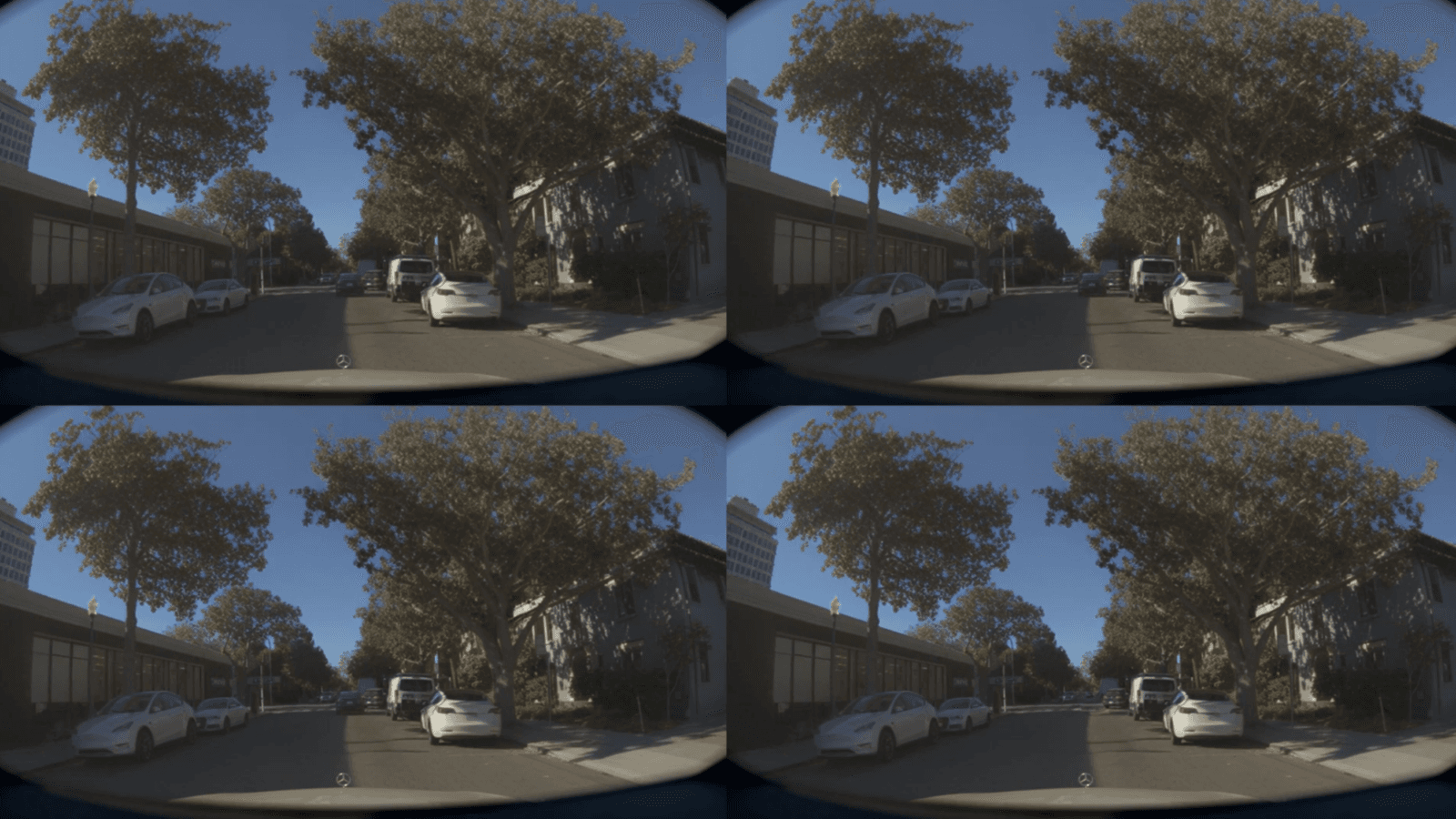
Start by importing your sensor logs into the simulation platform. NVIDIA’s documentation advises using the same pipelines that power their autonomous‑driving demos: map the point clouds, align camera images, and generate a textured 3D environment. The result is a virtual twin that mirrors the physical world you want to test.
2. Install and explore the Agent Skills library
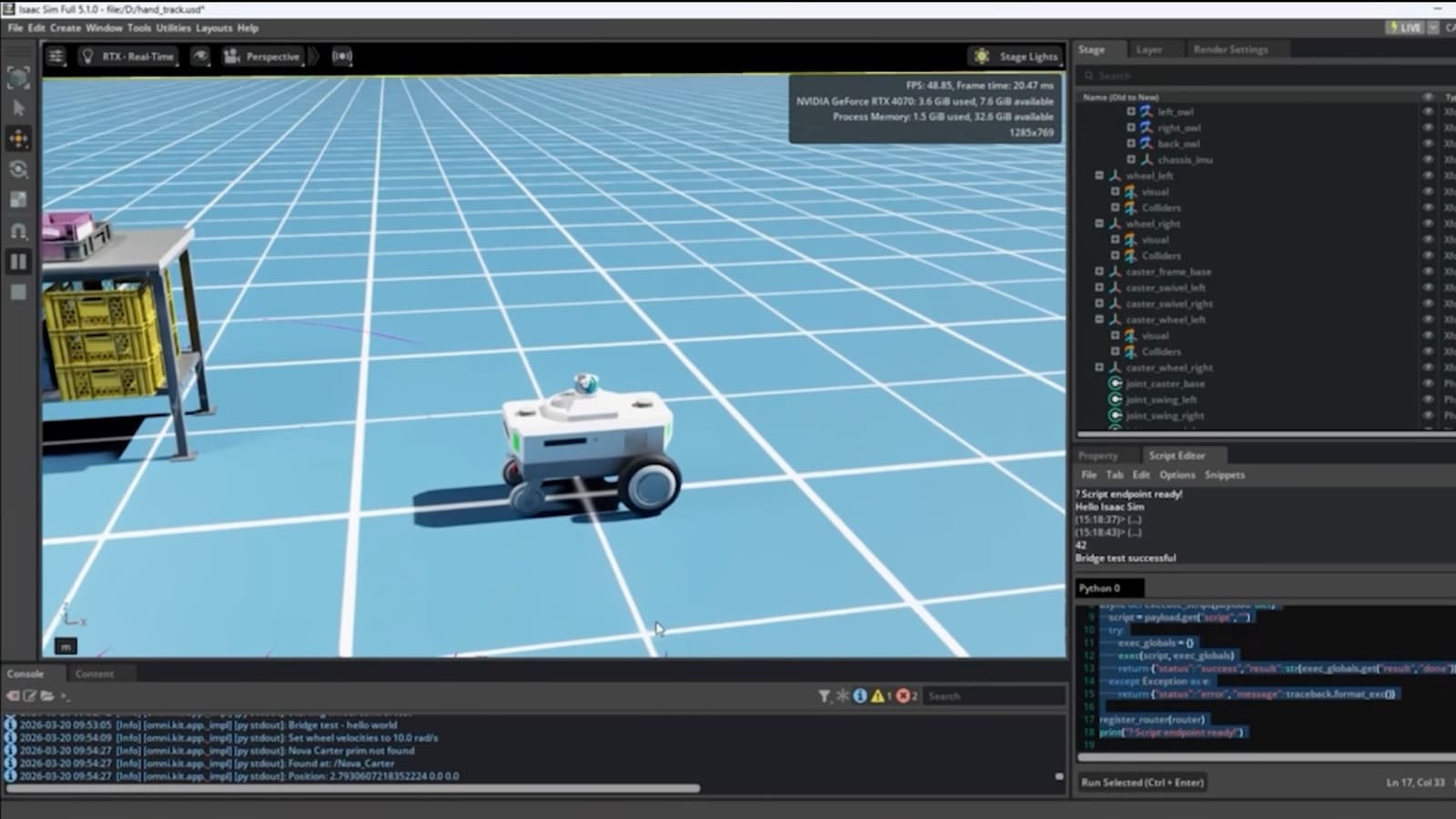
Download the Agent Skills SDK from the NVIDIA developer portal. The package ships with ready‑made skill modules for perception, planning and actuation. Open the example notebooks and run the “Hello‑Skill” script to verify that the library can communicate with your simulator.
3. Generate edge‑case scenarios automatically
Physical AI breakthroughs often come from training on rare events—sudden pedestrian crossings, slippery road patches, or novel object geometries. NVIDIA’s new Agent Skills include a scenario generator that perturbs the reconstructed scene with parameterized “edge‑case” modifiers. Define the range of weather, lighting and dynamic obstacle behaviours, then let the generator produce a batch of synthetic episodes.
4. Train policies using the generated data
Connect the scenario batch to your reinforcement‑learning loop. The Agent Skills SDK provides a thin wrapper around popular RL libraries (e.g., RLlib, Stable‑Baselines) so you can launch training with a single command. Monitor reward curves and policy checkpoints directly from the SDK’s dashboard.
5. Evaluate with built‑in metrics
When training completes, use the SDK’s evaluation suite. It automatically runs the learned policy across a held‑out set of edge‑cases and reports safety‑critical metrics such as collision rate, lane‑keeping error and grasp success ratio for robots. Compare these numbers against baseline models to quantify the impact of your new workflow.
Pro Tips: Get the most out of Agent Skills
- Start with templates. NVIDIA ships pre‑configured skill pipelines for autonomous driving and robotic grasping. Tweaking a template is faster than building from scratch.
- Mix synthetic and real data. Synthetic edge‑cases fill gaps, but keep a slice of real‑world validation data to avoid over‑fitting to simulation quirks.
- Parallelize scenario generation. The generator can run on multiple GPU nodes; scaling out reduces total data‑prep time from days to hours.
- Use the SDK’s logging. Detailed logs help pinpoint why a policy fails in a particular scenario—use them to iterate on skill parameters.
- Stay on the latest driver. NVIDIA’s Agent Skills rely on recent CUDA and TensorRT releases; an outdated driver can cause silent performance drops.
By following this workflow, developers can move from raw sensor logs to validated autonomous policies in a matter of weeks, not months. As NVIDIA highlighted at CVPR, the new Agent Skills are designed to accelerate the entire physical‑AI pipeline, turning research ideas into testable agents faster than ever before.
📎 Related Articles
Build a Multimodal Creative AI Agent Workflow in Days • How to Deploy Secure, Autonomous AI Engineers with NVIDIA NemoClaw • Deploy Local AI Agents on RTX PCs & DGX Spark • AI Tools for Work: Build a Daily Automation Workflow • How to Evaluate Deep Agents with LangSmith on AWS • How to Evaluate Deep Agents on AWS with LangSmith • How to Leverage OpenAI’s Gartner‑Recognized Enterprise Coding Agent • Turn Fleet Data Overload into Daily Insights with Agentic AI
Explore topic hubs
AI News Today • AI Tools • Best AI Tools • ChatGPT Prompts • AI Agents