Verdict
If you are building research pipelines for robots, self‑driving cars, or any vision‑based AI that must operate in the real world, NVIDIA’s new agent skills are worth a look. If you need a ready‑to‑deploy product for a commercial robot today, you’ll likely need to wait for more integration work.
What It Does
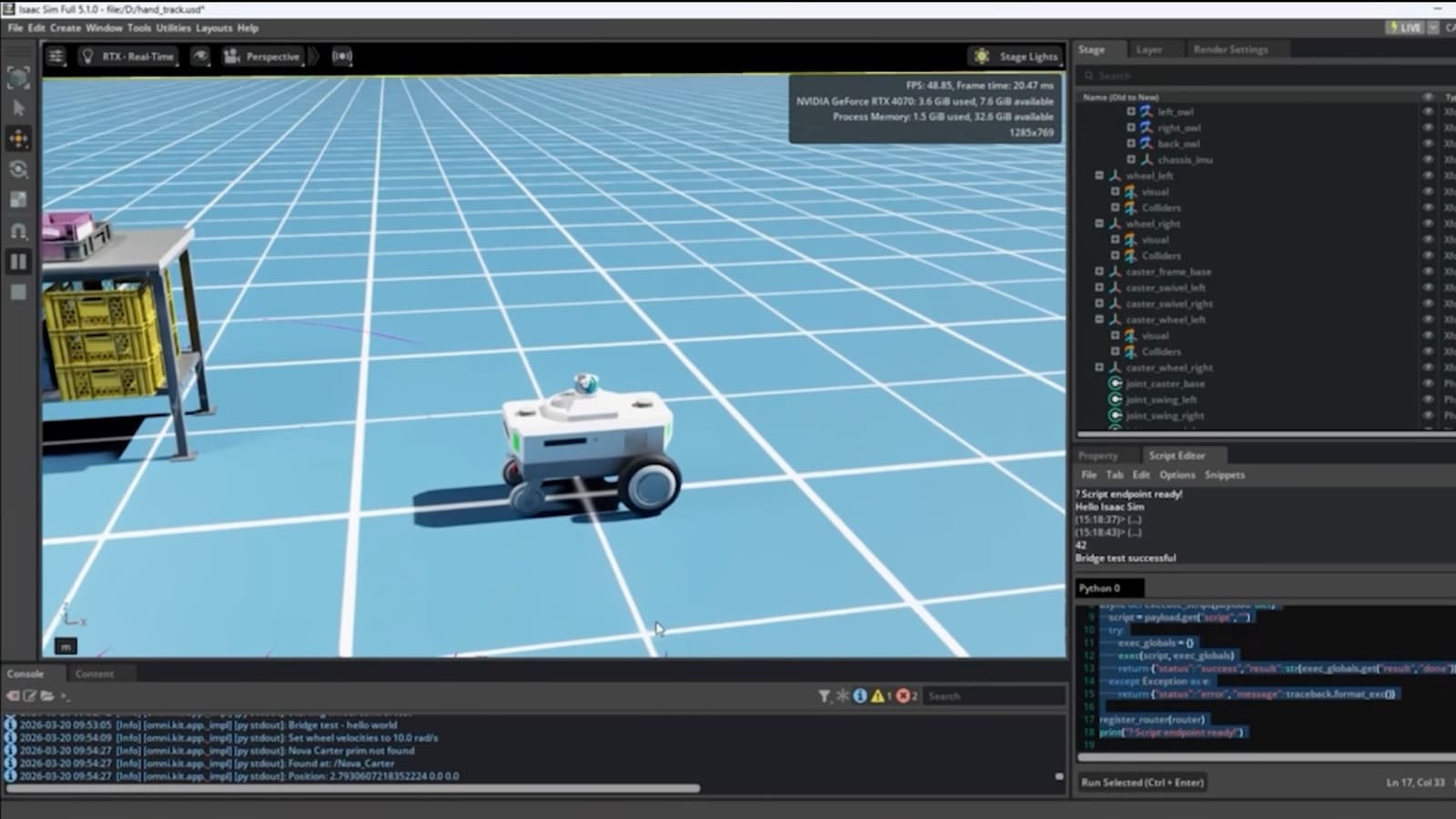
NVIDIA announced a suite of physical‑AI agent skills that let developers generate realistic scenes, create edge‑case scenarios, train policies, and evaluate performance at scale. The research focuses on two headline capabilities: a grasping system that can pick up objects it has never handled before, and a driving stack that can reason through novel traffic situations. All of this runs on NVIDIA’s GPU‑accelerated stack, tying together simulation, data generation, and policy training in a single workflow.
According to the NVIDIA Newsroom article on June 3, 2026, the core idea is to move beyond stronger models and instead provide a full pipeline that reconstructs real‑world environments, injects rare events, and measures how an agent reacts. The same announcement also mentions that the new skills are designed for autonomous‑vehicle research, robot manipulation, and general vision‑AI projects.
Best Use Cases
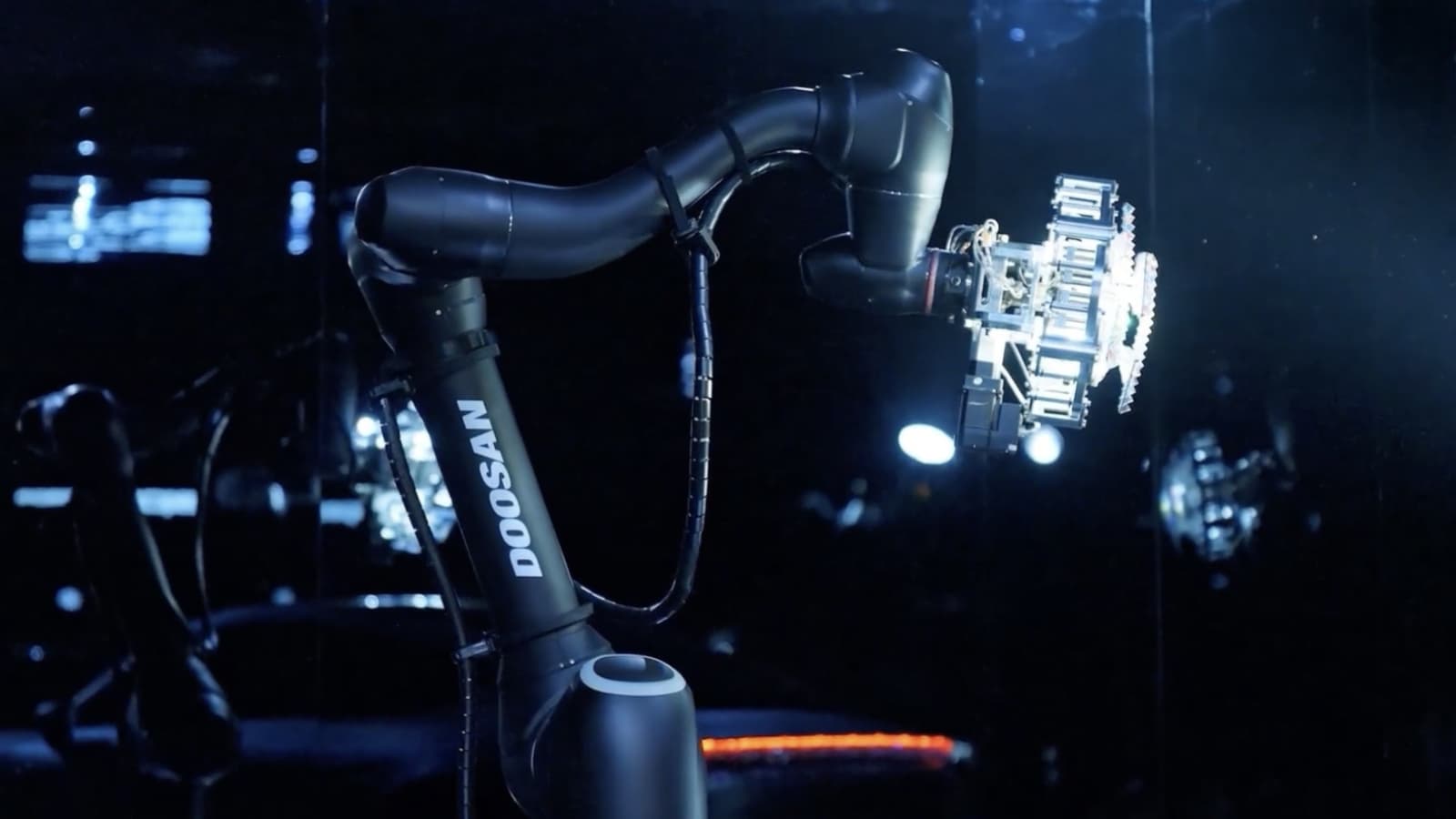
Robotics research labs. Teams that need a robot gripper to handle a wide variety of tools can plug the grasping skill into their simulation loop. By generating thousands of unseen objects and testing the policy in a virtual environment, researchers can iterate faster than with physical trials.
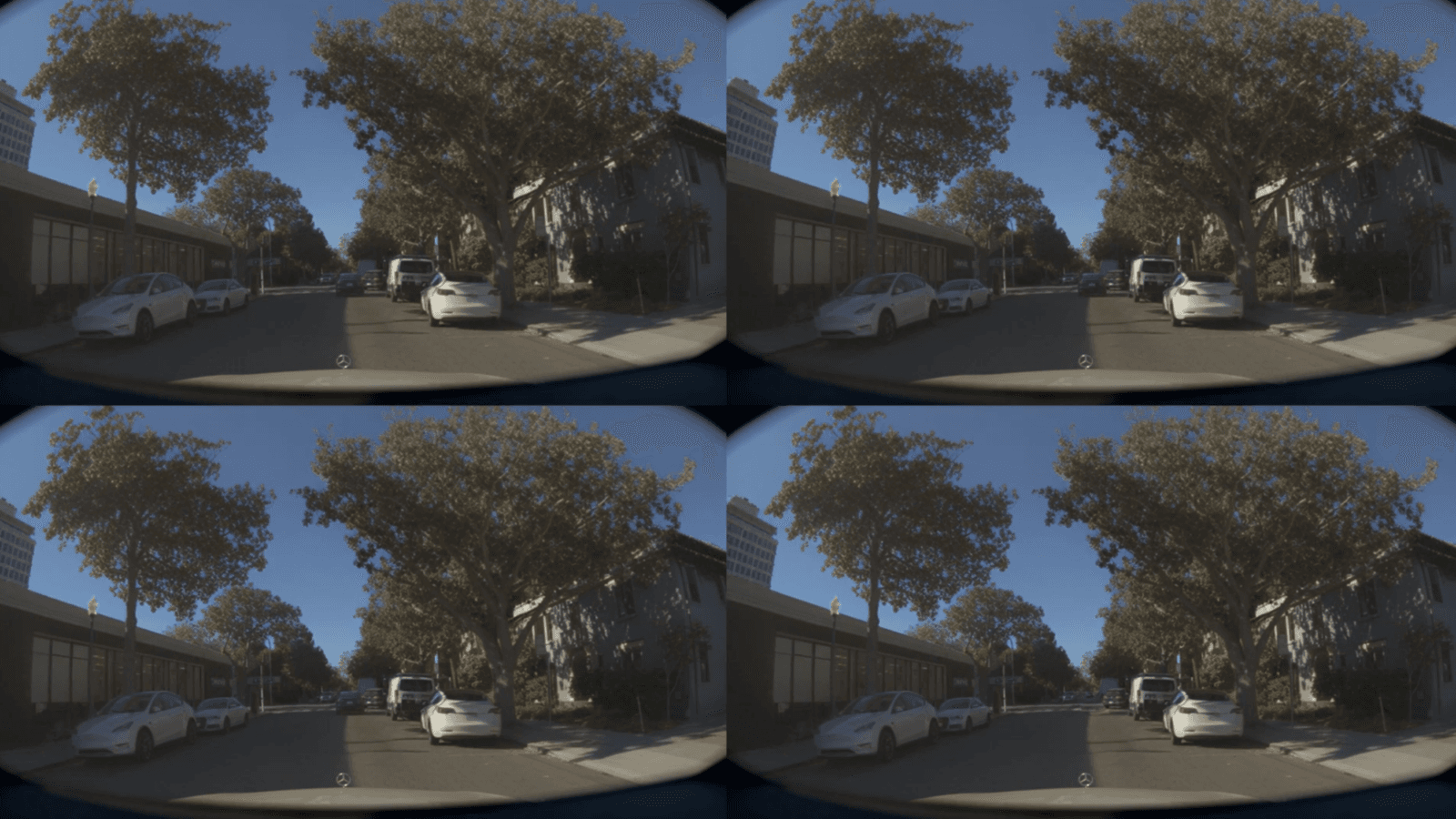
Autonomous‑vehicle developers. The driving skill creates edge‑case traffic scenarios—such as sudden pedestrian crossings or obscure signage—that are hard to capture in real‑world data. Developers can train perception and planning models on this synthetic data and evaluate safety metrics in a controlled setting.
Vision‑AI model training at scale. Any project that requires large‑scale synthetic data—e.g., warehouse inventory vision, drone navigation, or AR object detection—can benefit from the scene‑reconstruction and scenario‑generation components of the stack.
Limits
The announcement is research‑focused; there is no off‑the‑shelf SDK or turnkey product listed. Users must already be comfortable with NVIDIA’s development ecosystem, including CUDA, Omniverse, and the associated toolchain. Heavy GPU compute is implied, so small teams without access to high‑end hardware may hit cost or time barriers.
Because the skills are still being validated, the public documentation does not yet detail quantitative benchmarks such as success rates on unseen objects or collision metrics for the driving stack. That makes it harder to compare directly against other simulation platforms.
Alternatives
OpenAI’s recent work with Boston Children’s Hospital shows how large language models can be applied to medical diagnosis, illustrating a different path for AI—text‑centric, high‑impact use cases. While not a direct substitute for physical‑AI simulation, it reminds developers that the AI toolbox is broader than one vendor’s stack.
Other companies provide physics‑based simulators (e.g., Unity Simulation, CARLA) that can generate synthetic driving data. Those platforms are more mature as products, but they lack the tightly integrated policy‑training loop that NVIDIA is promoting.
Final Recommendation
For research groups that already run on NVIDIA hardware and need a cohesive workflow from scene creation to policy evaluation, the new agent skills are a strong addition. Expect to spend time wiring the pieces together, and budget for GPU compute. If you need a plug‑and‑play solution for a production robot today, hold off until NVIDIA releases a more packaged offering.
📎 Related Articles
Google AI vs NVIDIA: How Their New Announcements Differ • Google Invests in Missouri vs. NVIDIA’s Financial Events: A Quick Comparison • Google’s Missouri Investment vs. NVIDIA’s Financial Events: Which Corporate Outreach Wins • Google AI's Missouri Investment Beats NVIDIA's Event Push for Community Impact • Best AI Tools by Use Case: A Practical Stack for 2026 • Gemini 3.5 vs the Competition: Which AI Assistant Delivers Real Action? • Google vs. NVIDIA: Who’s Making Bigger Waves in Community Outreach? • Google vs NVIDIA: Community Investment Showdown
Explore topic hubs
AI News Today • AI Tools • Best AI Tools • ChatGPT Prompts • AI Agents