The Change
Google Workspace just got a suite of AI‑driven upgrades that touch the core of how users write, design, and manage email. Voice commands now work inside Gmail, Docs, and Keep, letting users dictate, edit, and organize without touching a keyboard. A brand‑new design canvas called Google Pics brings generative image creation directly into the Workspace environment. Meanwhile, AI Inbox receives smarter sorting and suggestion layers that surface the most relevant messages faster than before. All of these features debuted in a single update announced on May 19, 2026.Google AI Blog
Why Now
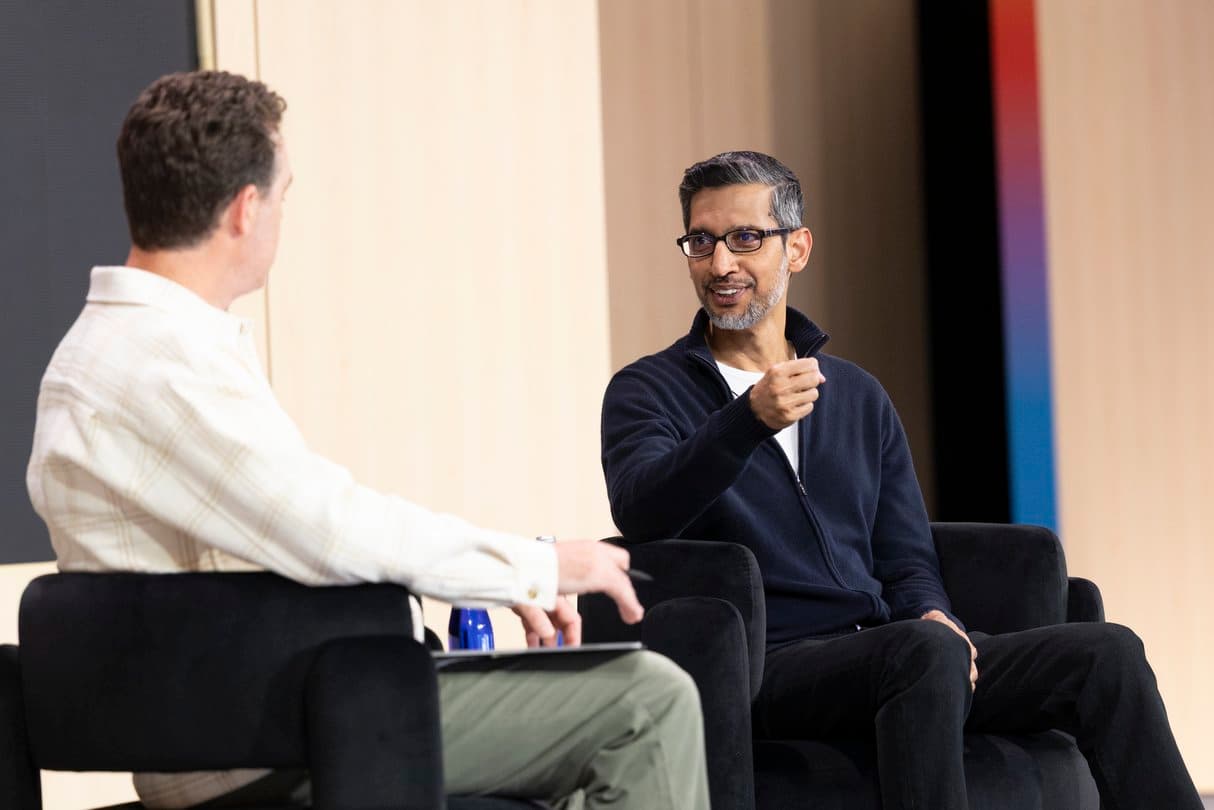
The timing aligns with Google’s broader AI push revealed at I/O 2026, where the company showcased Gemini Omni and a host of multimodal tools. By embedding voice and generative imaging directly into Workspace, Google is moving from experimental AI labs to the everyday workflow. The shift also reflects a growing demand for hands‑free productivity—remote workers, multitaskers, and creators all benefit from fewer clicks and more natural interaction. As competition tightens around AI‑assisted office suites, Google’s decision to upgrade its flagship productivity platform signals that the company wants to keep its enterprise customers inside the Google ecosystem.
How It Works
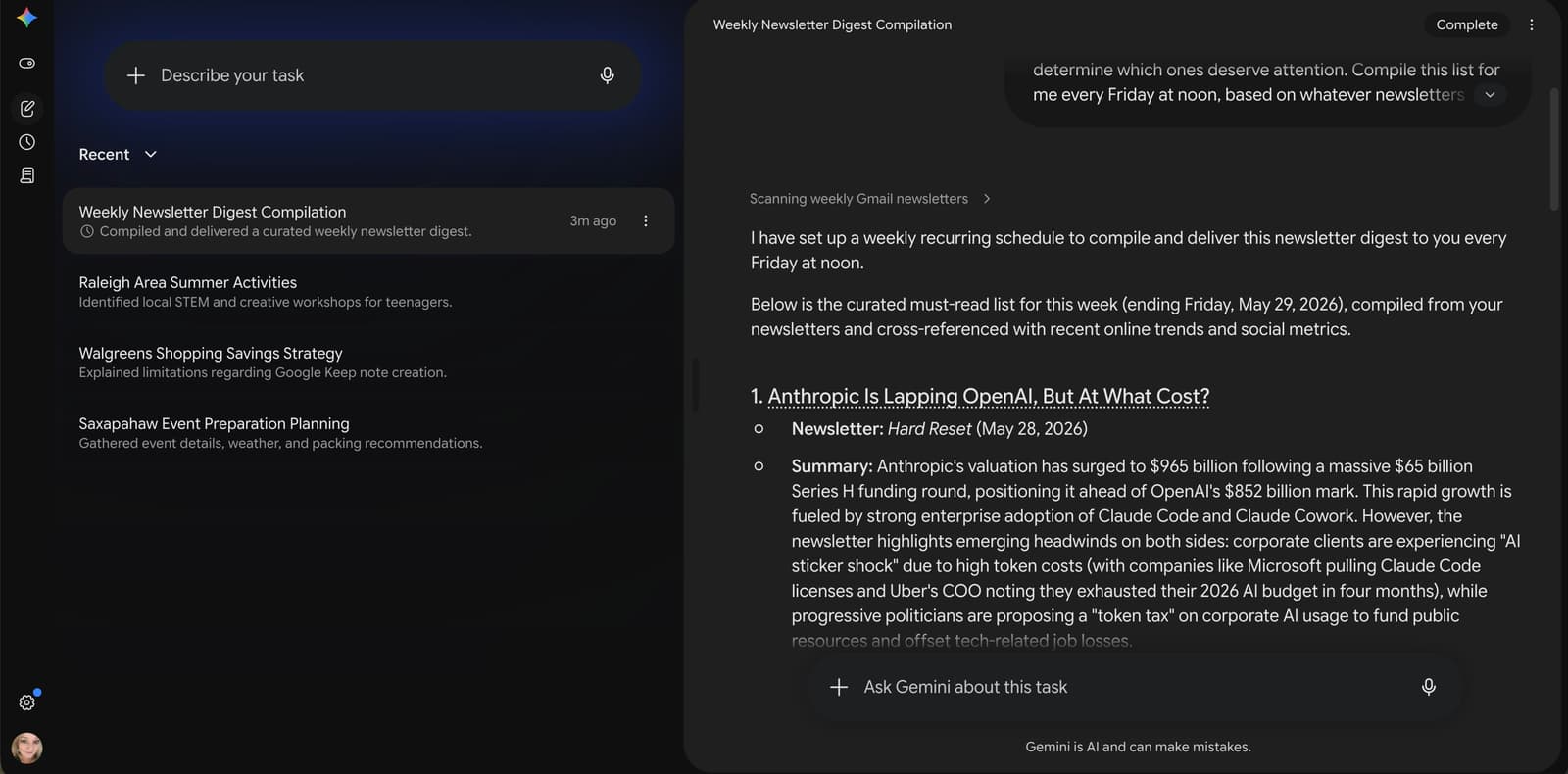
Voice capabilities in Gmail, Docs, and Keep rely on the same large‑language‑model backbone that powers Gemini. Users activate the microphone icon, speak their intent, and the model converts speech to text while applying contextual understanding. In Gmail, you can say “Reply to Jane with a quick thank‑you and attach the latest report,” and the draft appears instantly, complete with the attachment suggestion. Docs users can dictate paragraphs, command formatting changes (“Make that heading bold”), or ask for quick research snippets that appear as footnotes. Keep notes become voice‑first, allowing you to capture ideas on the fly and automatically tag them based on content.
Google Pics operates as a generative design studio. Within a side panel, you describe the visual you need—“a modern office layout with green accents”—and the model returns a set of high‑resolution images you can insert directly into Slides, Docs, or Gmail. The tool supports iterative refinement: a follow‑up prompt such as “Add a window view of a city skyline” updates the image without starting over.
AI Inbox upgrades the email triage experience. The system scans incoming mail, categorizes urgency, and surfaces actionable items at the top of the inbox. Suggested replies are generated in context, and the model highlights key dates or attachments, letting users act with a single click. The feature learns from user behavior, gradually improving its relevance.
Who Benefits
Knowledge workers who juggle multiple communication channels gain immediate time savings. A sales professional can dictate follow‑up emails while reviewing a client deck, then switch to Google Pics to create a custom visual proposal in seconds. Marketing teams find a fast route from concept to asset, turning a brief description into a polished image without leaving Workspace. Remote and hybrid teams, already accustomed to virtual collaboration, now have a more inclusive meeting prep experience—voice notes can be recorded and turned into agenda items, while AI Inbox ensures no critical thread slips through the cracks.
Educators and students also stand to win. Drafting essays in Docs becomes a conversation, and research images appear instantly via Google Pics, cutting down the time spent hunting stock photos. Customer support agents can reply to tickets with AI‑generated drafts, then fine‑tune with a single voice command.
Enterprises that enforce strict data policies can still adopt these tools because the AI processing stays within Google’s secure cloud infrastructure, as outlined in the Workspace update announcement.
📎 Related Articles
Google I/O 2026 rolls out 100 new tools and services • Google I/O 2026 Dialogues Stage Recap: AI, Quantum, Robotics Highlights • Google I/O 2026 Dialogues Recap: Key Takeaways and Impact • OpenAI Expands AI Tools for Schools Worldwide • Google Announces New Community Investments in Missouri • OpenAI expands Education for Countries with new tools and training • Google I/O 2026 Dialogues Stage: Verdict on AI Vision • OpenAI Expands AI‑Powered Learning to 30 New Countries