Why this list matters
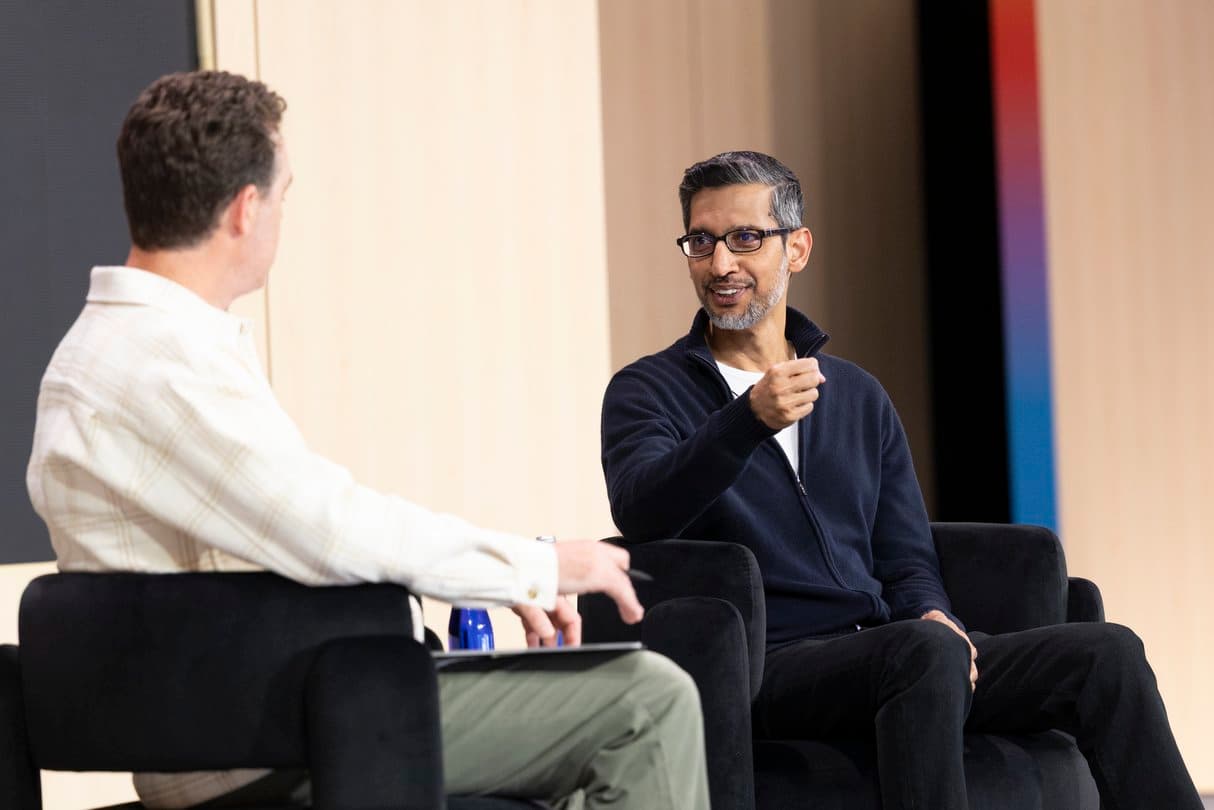
The Dialogues stage at Google I/O 2026 gathered the company’s most senior engineers and product leaders to sketch the next few years of AI, quantum computing, robotics and creativity. For busy professionals, developers and creators, the flood of announcements can feel overwhelming. This curated list pulls the most actionable releases into a single view, so you can decide what to adopt now and what to keep on the radar.
1. Google Beam Group Meetings
Name: Google Beam Group Meetings
What it does: The experimental feature lets remote participants appear in true‑to‑life size and sound during hybrid calls. Advanced spatial audio and 3‑D rendering create a sense of shared space, reducing the feeling of isolation that often plagues video conferences.
Pricing: Available as a free add‑on for Google Workspace users during the beta period.
Best use case: Large, cross‑office teams that need to brainstorm as if they were in the same room, such as product design squads or research groups.
According to the Google AI Blog post on May 20, the experiment “makes hybrid meetings feel more inclusive and connected.”Source
2. Voice‑Enabled Gmail
Name: Voice‑Enabled Gmail (AI Inbox)
What it does: Users can dictate, edit, and reply to messages using natural language prompts. The AI also suggests concise replies and can summarize long threads.
Pricing: Included with all Google Workspace tiers; no extra charge.
Best use case: Professionals who spend most of their day on email but need hands‑free operation while juggling meetings or travel.
The May 19 Workspace update announced “new voice capabilities in Gmail.”Source
3. Voice‑Enabled Docs
Name: Voice‑Enabled Docs
What it does: Real‑time speech‑to‑text that adapts to the writer’s style, plus AI‑driven suggestions for structure, tone and citations.
Pricing: Part of the standard Workspace subscription.
Best use case: Writers, marketers and students who want to draft quickly without switching between keyboard and mouse.
As reported on May 19, Google added “new voice capabilities in Docs.”Source
4. Voice‑Enabled Keep
Name: Voice‑Enabled Keep
What it does: Allows users to create, edit, and organize notes by speaking. AI categorizes entries and sets reminders based on context.
Pricing: Free for personal accounts; included for Workspace business accounts.
Best use case: Field workers or anyone who needs to capture ideas on the fly without typing.
The same Workspace announcement highlighted “new voice capabilities in Keep.”Source
5. Google Pics Design Tool
Name: Google Pics
What it does: An AI‑assisted design editor that generates images, layouts and branding assets from textual prompts. It integrates directly with Slides and Docs for seamless insertion.
Pricing: Free tier with limited exports; premium credits available via Google AI subscriptions.
Best use case: Small businesses and educators who need quick visual content without hiring a designer.
The Workspace rollout on May 19 introduced “a new design tool called Google Pics.”Source
6. Google AI Ultra Plan
Name: Google AI Ultra
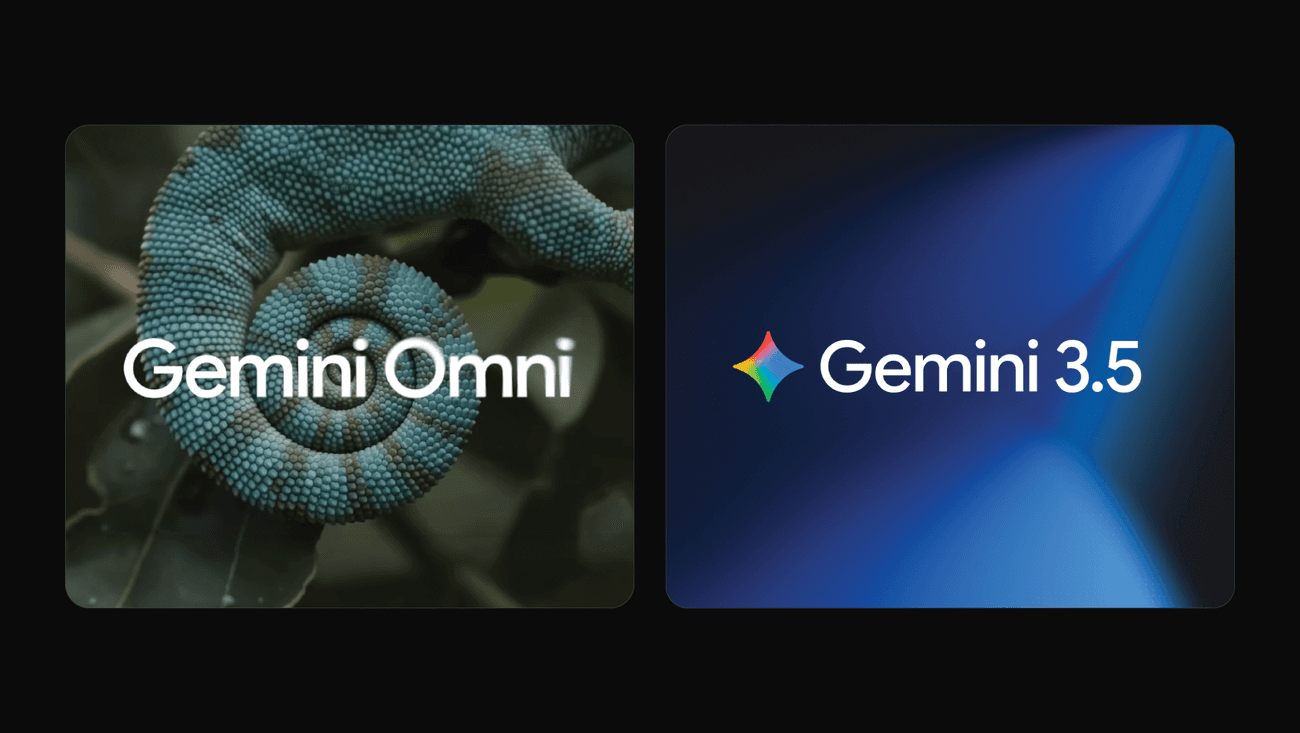
What it does: Provides the highest‑capacity access to Gemini‑2, PaLM‑3 and other next‑gen models, along with priority support and early‑access features.
Pricing: $100 per month, billed annually.
Best use case: Enterprises that run large‑scale generative‑AI workloads, such as media firms producing video scripts or fintechs analyzing massive datasets.
According to the AI subscriptions announcement on May 19, the Ultra tier sits above the existing Plus and Pro levels.Source
7. Google AI Plus & Pro Plans
Name: Google AI Plus & Pro
What it does: Tiered access to Gemini‑2 and PaLM‑3 with increasing token limits, collaboration tools and usage dashboards.
Pricing: Plus – $30/month; Pro – $60/month, both billed annually.
Best use case: Start‑ups and mid‑size teams that need reliable AI performance without the full‑scale commitment of Ultra.
The same May 19 post detailed “new features and benefits for Google AI Plus, Pro and Ultra subscribers.”Source
Wrapping up
The Dialogues stage painted a picture of an ecosystem where AI, voice, and immersive collaboration converge. From free‑to‑try features like Beam meetings to premium subscription tiers that unlock enterprise‑grade models, Google gave attendees concrete tools to experiment today and scale tomorrow. Bookmark this list, test the free options, and decide which paid tier aligns with your growth plan.
📎 Related Articles
Google I/O 2026: Which Announcement Matters Most? • Google I/O 2026: Big Announcements vs Workspace Tweaks – Which Impacts You More? • Google I/O 2026 Dialogues Stage: Verdict on AI Vision • Google I/O 2026 Dialogues: Strategic Vision vs Product Updates • What Google I/O 2026 Dialogues Unveiled: 5 Key Announcements • Dialogues Stage Leads I/O 2026: A Head‑to‑Head Look • Google I/O 2026: 7 Highlights You Need to Know • Dialogues Stage vs Google AI Products I/O 2026: Which Has More Impact?