Problem: Human‑only SOC teams can’t keep pace
Security Operations Centers (SOCs) face a constant stream of alerts, false positives and escalating threats. When analysts spend most of their shift triaging noise, response times suffer and burnout rises. The MSSP Alert piece highlights a new option – letting an AI agent act as a SOC analyst – and points to automation opportunities through Multi‑Channel Playbooks (MCP). The core challenge is turning that idea into a repeatable workflow that fits your existing tools.
Prerequisites: What you need before you start
- Data ingestion pipeline: A SIEM or log‑management system that feeds raw alerts into a central queue.
- API‑enabled security tools: Firewalls, endpoint detection platforms, and ticketing systems that can be controlled programmatically.
- AI platform access: A large‑language model service (e.g., ChatGPT Enterprise) that can be called from code.
- Context layer: Asset inventories, policy documents, and threat intel that the agent can reference. Jedify’s recent funding round shows that companies are building services to supply exactly this kind of context to AI agents.
- Playbook framework: A way to encode response steps that the agent can invoke – the MCP concept from MSSP Alert.
Steps: Building an AI‑augmented SOC
1. Map current alert flow
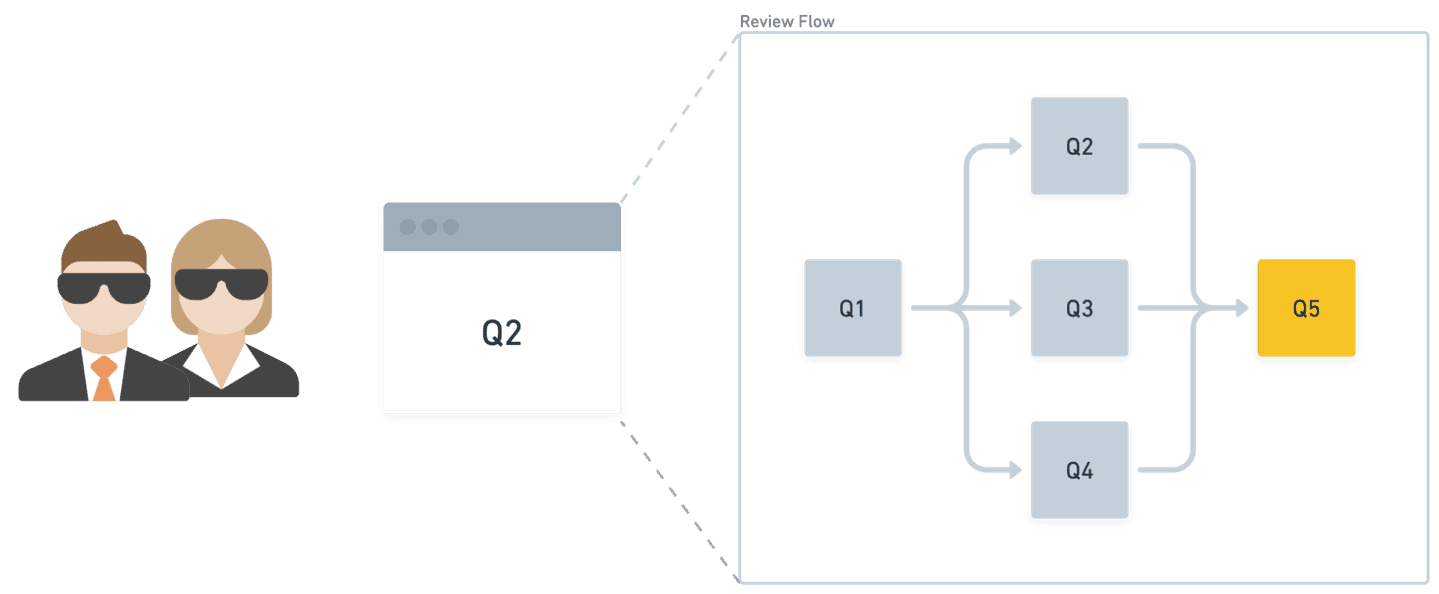
Document every stage from raw alert ingestion to analyst hand‑off. Identify which steps are repetitive (e.g., enrichment, false‑positive filtering) and which require human judgement. This map becomes the backbone of your MCP.
2. Choose an LLM provider and set up a secure endpoint
Endava’s experience shows that enterprises are pairing ChatGPT Enterprise with Codex to automate code‑level tasks. For a SOC, you can use the same model to parse alert text, extract IOCs and suggest mitigations. Create a dedicated API key, restrict it to your internal network, and enable logging for audit.
3. Build a context service
Jedify’s recent $24 million raise is aimed at giving AI agents business‑specific context. Replicate that idea by exposing asset tags, network diagrams and policy rules through a simple REST service. The agent will call this service whenever it needs to know, for example, which host belongs to a critical business unit.
4. Draft the first MCP playbook
Start with a single, high‑volume alert type – such as a brute‑force login. Define the steps:
- Enrich the IP with GeoIP and reputation data.
- Cross‑check the user account against HR data.
- If the score exceeds a threshold, create a ticket and push a block rule.
Encode these steps in a JSON or YAML file that the agent can read and execute.
5. Implement the agent logic
Write a thin wrapper (Python, Node, or Go) that does the following for each incoming alert:
- Send the alert text to the LLM and ask for a risk score.
- Query the context service for asset details.
- Apply the MCP rules to decide on enrichment, ticket creation or automated block.
Log every decision and keep a copy of the LLM’s reasoning for later review.
6. Run a shadow mode pilot
Deploy the agent alongside human analysts. Let it suggest actions but require analyst approval before any change is made. Measure false‑positive reduction, mean time to acknowledge (MTTA) and analyst satisfaction.
7. Iterate and expand
After a week of data, refine the prompt wording, adjust score thresholds and add new alert types to the MCP. Endava’s approach of continuously feeding back code changes into the agent loop is a useful analogy – treat each playbook tweak as a versioned artifact.
Pro Tips
- Keep prompts short and focused. A long narrative can confuse the model and increase latency.
- Use a separate “sandbox” LLM instance for testing new prompts before pushing to production.
- Tag every automated action with a unique identifier so you can trace back to the originating playbook.
- Periodically audit the context service for stale asset data – outdated context leads to wrong decisions.
- Blend human‑in‑the‑loop checks for high‑impact actions (e.g., network quarantine) while allowing the agent to fully automate low‑risk steps.
What to watch next
The MSSP Alert article notes that AI agents are still emerging in SOCs. As more vendors expose APIs and as context‑delivery platforms like Jedify mature, the automation surface will broaden. Keep an eye on how enterprises such as Endava are scaling AI agents across non‑security workflows – the same patterns often apply to security.
📎 Related Articles
Build a Multimodal Creative AI Agent Workflow in Days • How to Deploy Agentic Gemini Models After I/O 2026 • How to Leverage OpenAI’s Gartner‑Recognized Enterprise Coding Agent • Build Faster Software Delivery with AI Agents – A Practical Guide • Lock Down Bedrock Agents: Policy + Lambda Interceptors Made Simple • Robinhood Plans AI Agents to Trade and Spend for Users • Turn Fleet Data Overload into Daily Insights with Agentic AI • How to Deploy OpenAI’s Enterprise Coding Agent After Gartner’s Leader Announcement
Explore related AI topics
AI News Today • AI Tools • Best AI Tools • ChatGPT Prompts • AI Agents