Local AI
Learn about local AI models, open-source LLMs, on-device inference, Ollama workflows, privacy, hardware requirements, and offline AI tools.
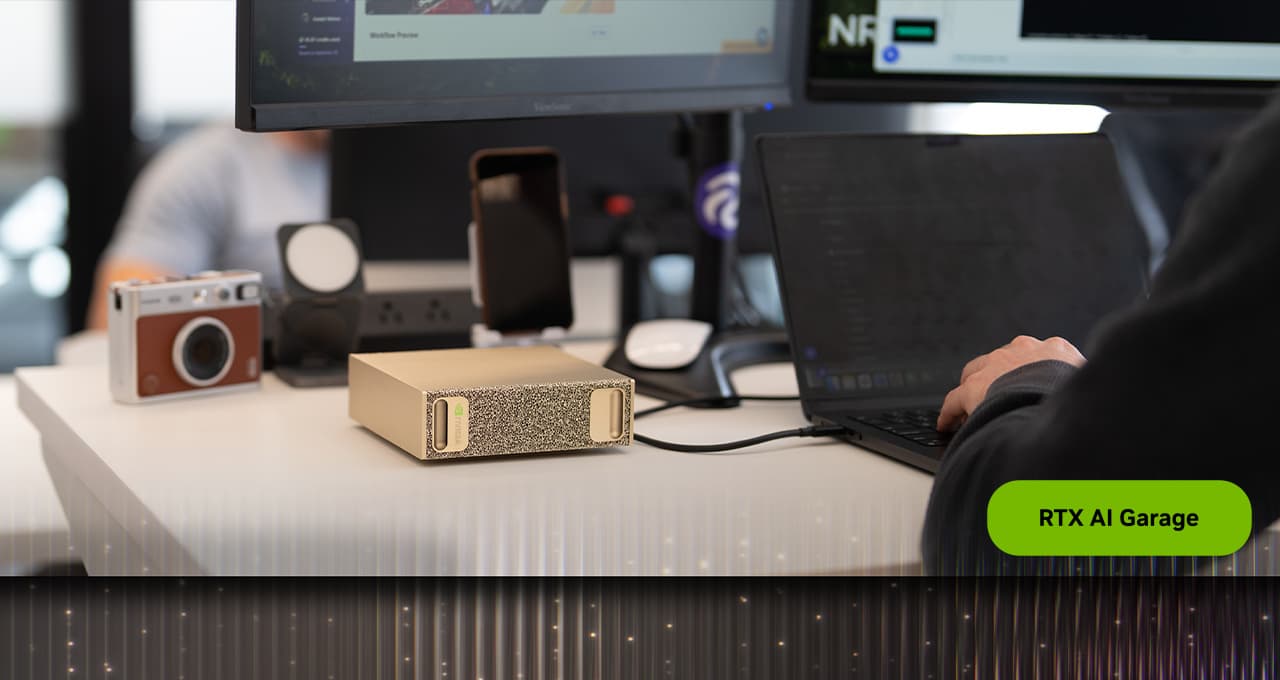
Deploy Local AI Agents on RTX PCs & DGX Spark
A step‑by‑step guide to running open‑source AI agents like OpenClaw and Hermes locally on RTX‑powered PCs and NVIDIA DGX Spark systems.
Run models without sending data away
Local AI matters for privacy, offline work, experimentation, cost control, and workflows where cloud APIs are not ideal.
Choose hardware and models
Coverage compares open models, quantization, memory needs, GPU and CPU tradeoffs, and tools such as Ollama and local inference apps.
Build useful offline workflows
Local AI works best when matched to focused tasks such as summarization, coding help, search, note analysis, and private document workflows.
More Coverage
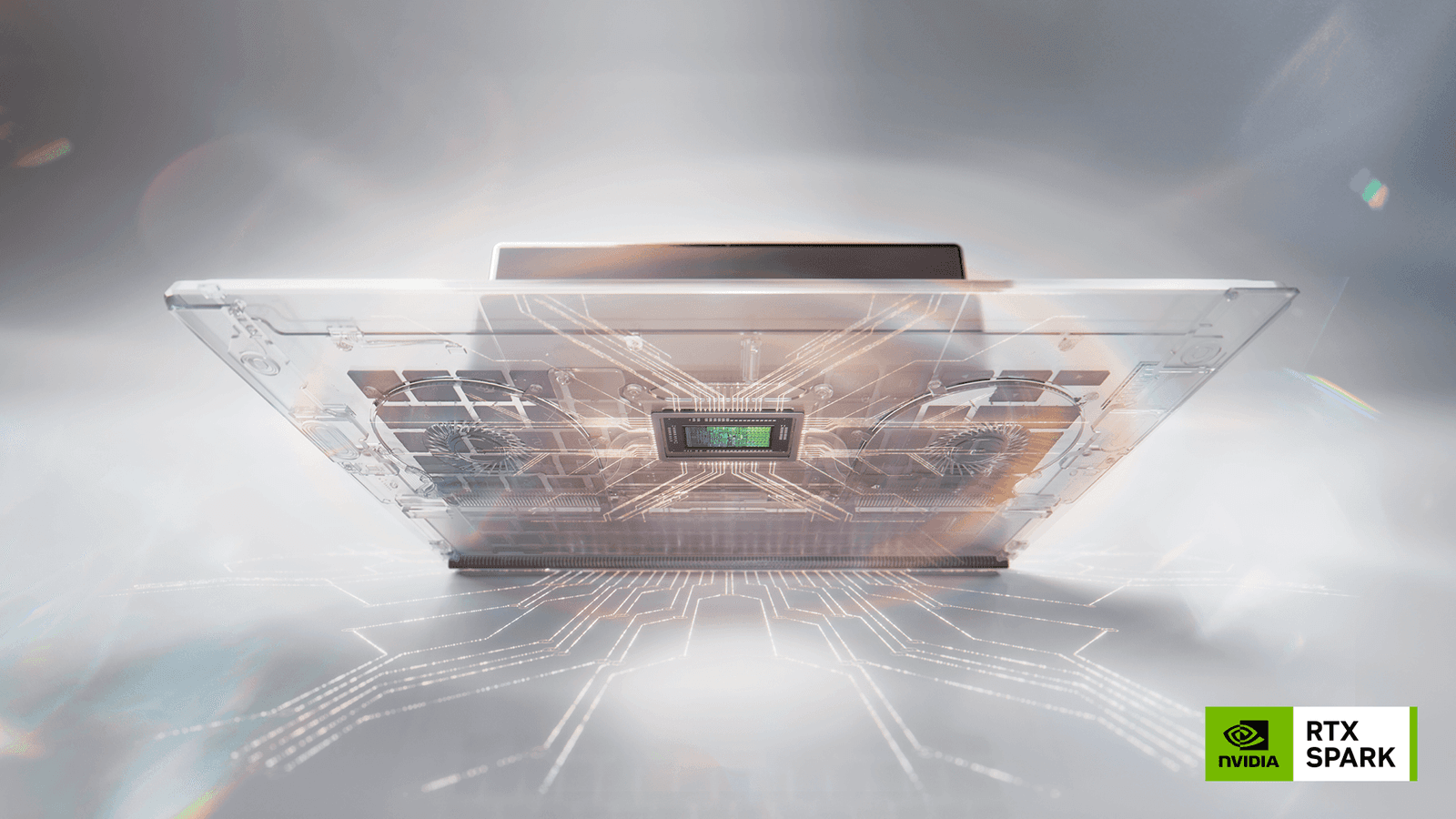
Nvidia RTX Spark Review: Is Local AI on Windows Ready?
Nvidia’s RTX Spark promises desktop‑grade AI agents for Windows laptops. We break down its specs, ideal workloads, limits and alternatives.

Open-weight models now match frontier cyber performance from just
Open-weight models match frontier cyber performance from four months ago at a lower cost. The British AI Security Institute warns of ineffective safety measures.
Guides and Playbooks
Local AI FAQ
What is local AI?
Local AI means running AI models on your own computer, phone, workstation, or private server instead of sending every request to a cloud API.
Why run AI locally?
People run AI locally for privacy, offline use, lower recurring costs, customization, and more control over model behavior.
Do local AI models need a GPU?
A GPU helps, especially for larger models, but smaller quantized models can run on modern CPUs and laptops with enough memory.